
← All setup guides
Apple GUIDE
Set up IPTV Harmony on iPhone & iPad
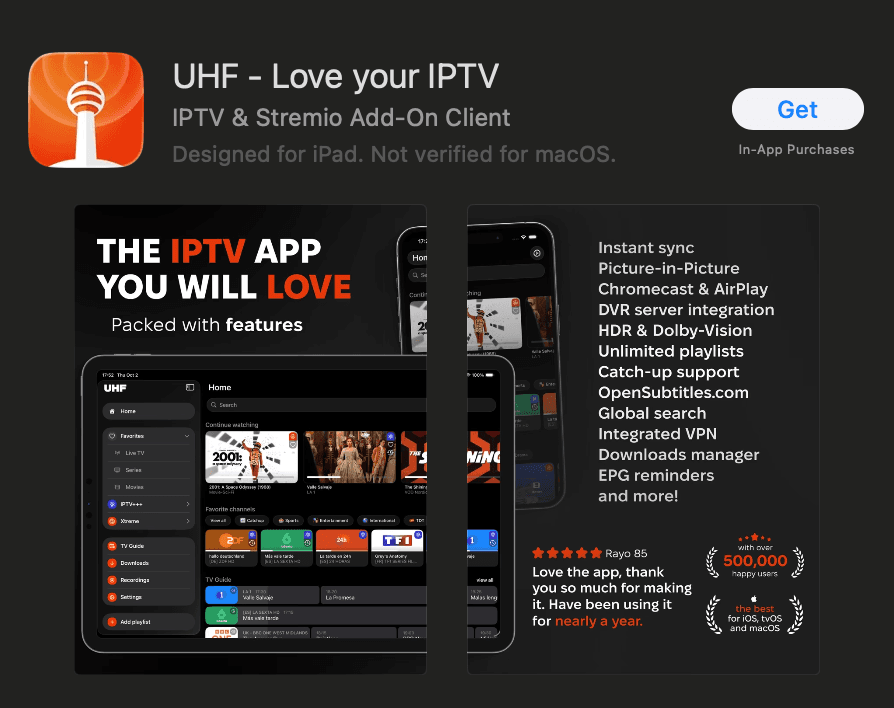
Install UHF or IPTVX from the App Store and add your service with Xtream Codes.
◷ Ready in about 4 minutes
iPhone or iPad with iOS 12+
Your IPTV Harmony access email
Wi-Fi or mobile data
Add your playlist
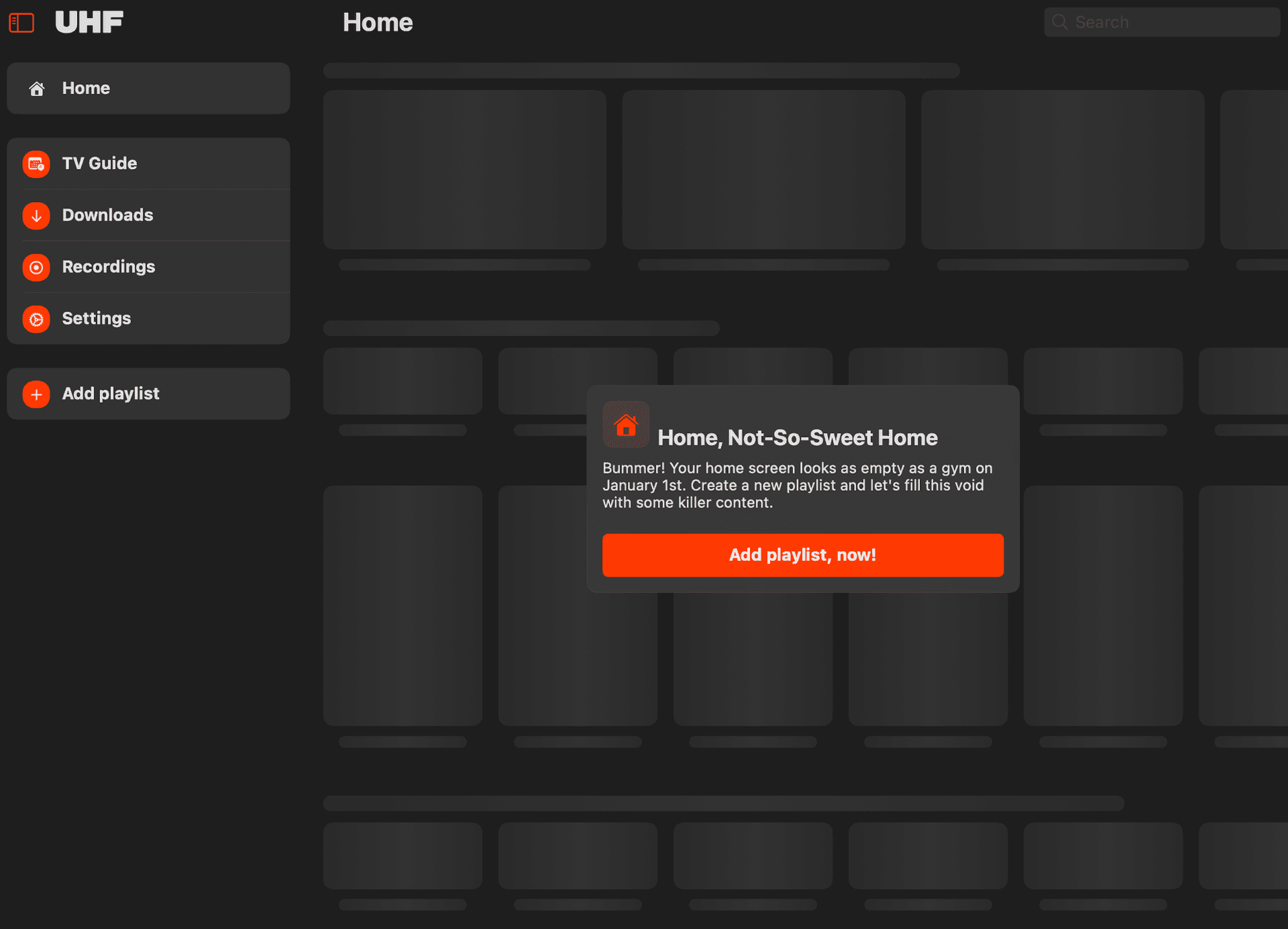
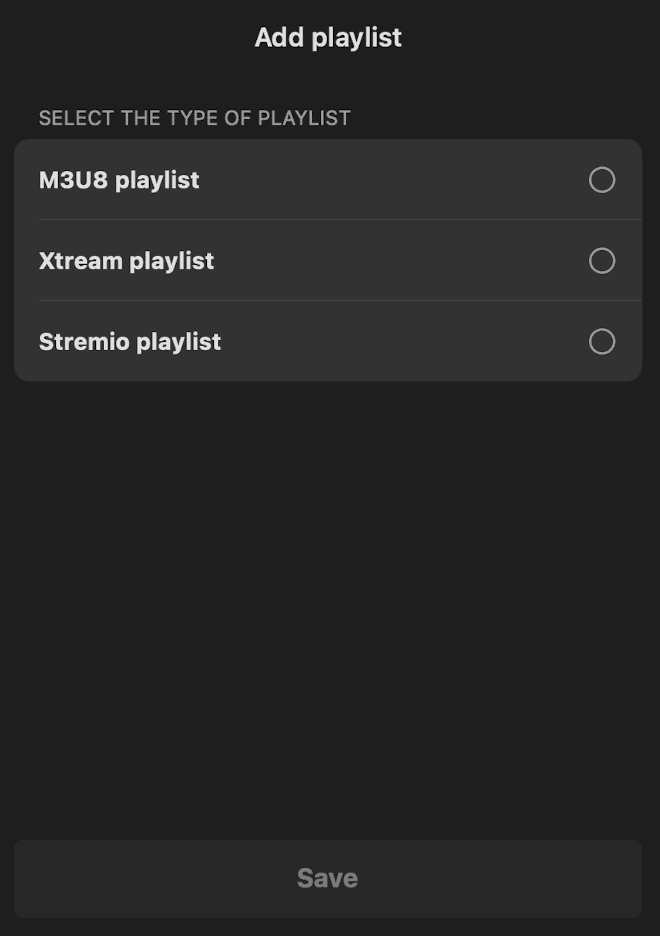
Open the app, choose Add playlist, and select Xtream Codes.
Enter your login details
Enter the server address, username, and password from your IPTV Harmony email. Save and wait for the channels to load.
Fine-tune playback
In player settings, enable hardware decoding when available, set the timeout to about 10 seconds, and choose the video quality that suits your connection.
Your iPhone or iPad is ready.
Open your player and enjoy IPTV Harmony. If channels are missing or the picture is not right, our support team will help you fix it.
Screens you will see
These examples help you recognize the important screens. The exact layout may vary by app version.
PERSONAL SUPPORT · 7 DAYS A WEEK
Still not connected?
Tell us which device you use and what you see on screen. Our support team will help you finish the setup.