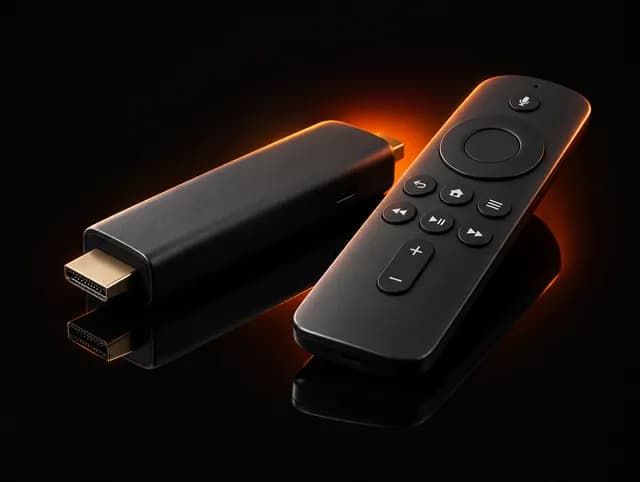
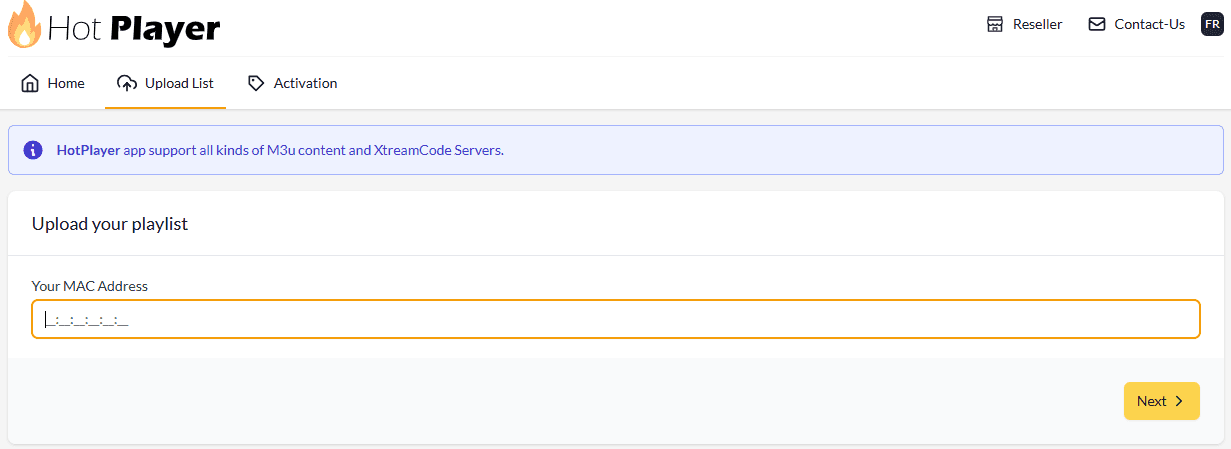
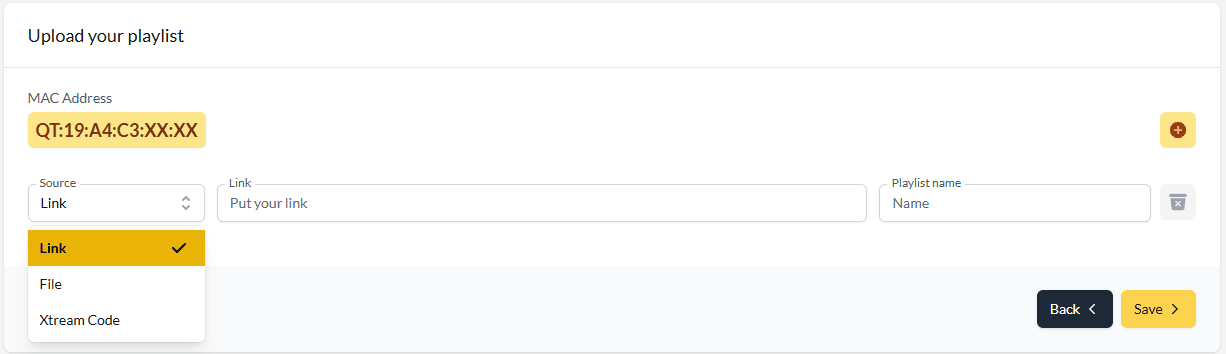
Install IBO Player Pro with Downloader, or use Hot Player as an alternative, then add your IPTV Harmony access.
◷ Ready in about 10 minutes
Fire TV or Fire TV Stick
Your IPTV Harmony access email
Stable internet connection
1
Allow app installations
Open Settings → My Fire TV (or Device Options) → Developer Options. If Developer Options is missing, open About and select your device name seven times. Then allow unknown-source installs for Downloader.
Menu names can vary slightly by Fire TV model. Only install apps you trust.
2
Install Downloader
From the Home screen, choose Find → Search. Search for the orange Downloader app, install it, and open it.
3
Install IBO Player Pro first
Recommended · IBO Player Pro481220
Alternative · Hot Player395800
Enter 481220 in Downloader to install IBO Player Pro. If the code is unavailable, enter iboproapp.com/ibopro.apk instead. Hot Player remains available with code 395800.
Recommended IBO Player Pro
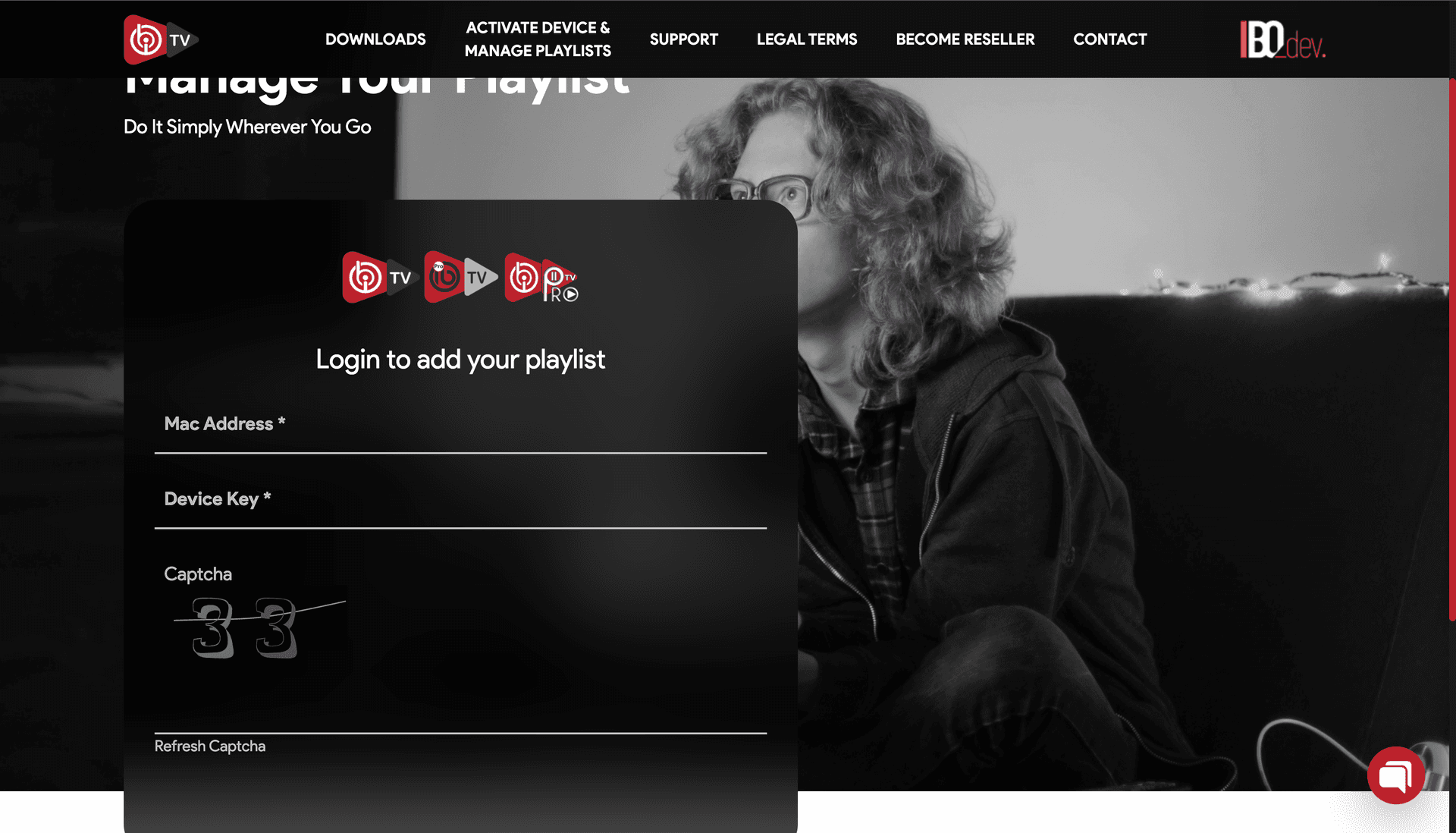
Open IBO Player Pro and note the Device ID (MAC address) and Device Key shown on screen.